We can use technology to our advantage when it comes to learning. Automations allows us to implement a “set and forget” solution to assigning the right training at the right time.
- A caregiver profile is imported from the AMS or added manually. The integration brings in the caregiver’s discipline, location, hire date, and employment status automatically.
- Nevvon assigns the correct training program through a structured learning path. Based on the caregiver’s discipline, state requirements, and agency policies, the platform selects the right orientation, in-service, or specialty program. Learning paths balance required hours across the year, combine compliance and professional development content, and adapt to each caregiver’s role. Existing caregivers are assigned their next cycle automatically when a program expires or a new requirement takes effect. Learn more about how learning paths work.
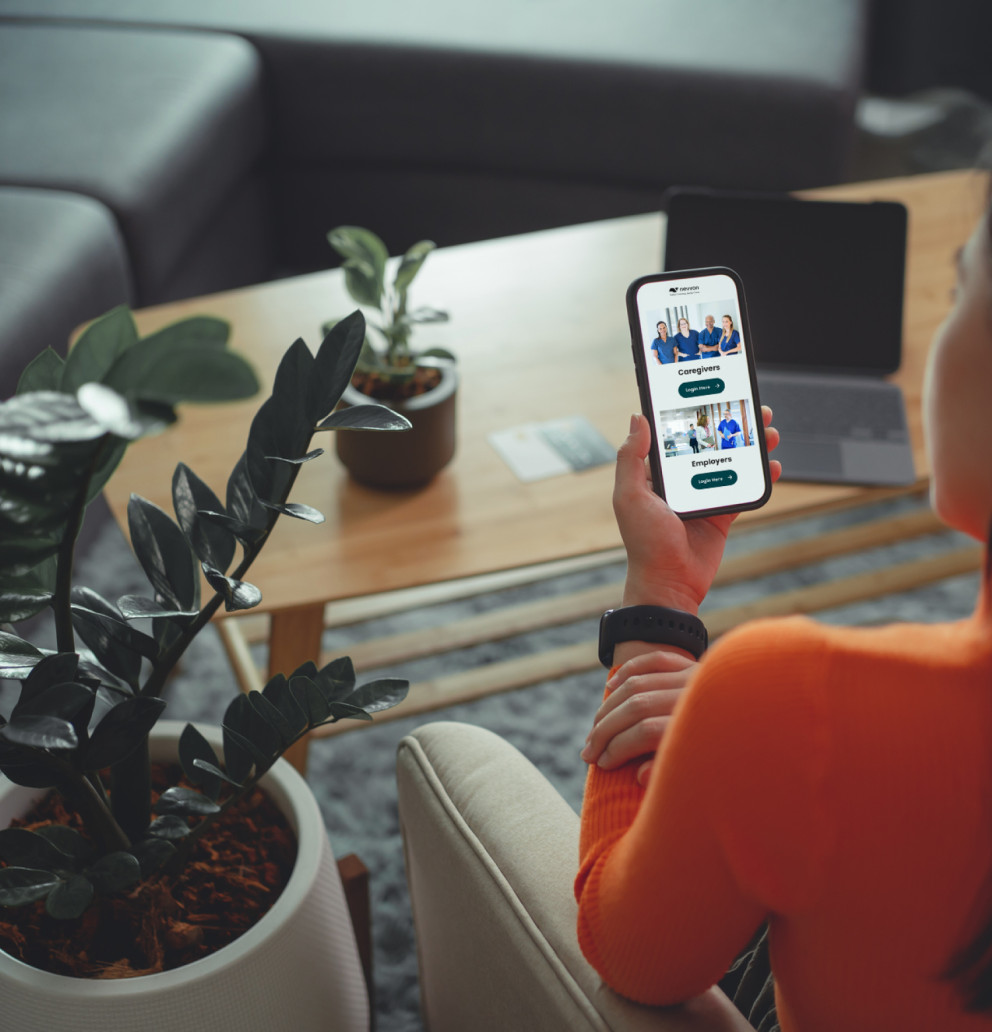
- The caregiver receives a notification. An automatic message directs them to start training on their mobile device, tablet, or desktop, in their preferred language.
- Training is completed on the caregiver’s schedule. Shift blocking ensures training only happens outside of scheduled work hours. Progress and quiz results are tracked in real time.
- Records sync back to the AMS. Completions, certificates, and compensation data flow to the agency’s systems automatically. The caregiver is compliant, compensated if applicable, and audit-documented.
- Reporting captures everything automatically. Every completion, certificate, and training hour is logged in real time. Admins can generate reports on demand by caregiver, location, program, or date range, schedule automatic report delivery, or export data for leadership review. See Nevvon’s full reporting and analytics capabilities.