Automate Caregiver Training Assignment and Compliance Tracking
Compliance reporting gives home care, home health, and senior living agencies real-time visibility into caregiver training completions, overdue requirements, and audit readiness across every location. Nevvon’s reporting and analytics tools replace spreadsheets and manual record-keeping with a single source of truth for all training data, available on demand or scheduled for automatic delivery.
Most Agencies Cannot Answer Basic Compliance Questions Quickly
How many caregivers are overdue on training? Which locations are at risk? What is the completion rate for your Q2 in-service program? At most agencies, answering these questions requires pulling data from multiple systems, cross-referencing spreadsheets, and hours of manual work.
When a surveyor arrives, this becomes urgent. Compliance teams dig through binders, email threads, and disconnected systems to produce records. A large provider with 22 branch locations spent 1,100 hours annually just compiling training completions manually, the equivalent of $27,500 in admin time.

What Nevvon Reporting Covers
Nevvon’s reporting tools are purpose-built for compliance across home care, home health, and senior living. The table below shows what you can track and how it compares to how most agencies manage reporting today.
What You Need to Know | Without Nevvon | With Nevvon |
Which caregivers have completed their required training | Check each caregiver’s file individually or maintain a master spreadsheet updated by hand | Real-time dashboard shows completion rates across all caregivers, programs, and locations. Filter by program, discipline, location, or completion status |
Who is overdue or at risk of falling out of compliance | Manual calendar tracking and email reminders from coordinators | Overdue training is flagged automatically. Reports can be filtered to show only caregivers who are behind, with drill-down to the lesson level |
Completion data for a specific program (e.g., Q2 in-service or dementia training) | Ask each location to report back, then compile | One-time reports by program, date range, and completion level (lesson, module, or full program). Aggregate data across all locations instantly |
Audit-ready documentation when a surveyor arrives | Scramble to pull certificates, binders, and records from multiple systems | One-click compliance report with certificates already in the AMS document manager, ported automatically on completion |
Ongoing visibility without running reports manually | Not possible without dedicated admin time | Scheduled reports delivered automatically by email on a recurring basis to supervisors, compliance leads, or executives |
Training data broken down by location for multi-site agencies | Each branch reports separately, data is compiled centrally | Multi-location dashboard with per-agency and “super user” views. Filter and compare across branches in a single screen |
How Reporting Works in Nevvon
Nevvon’s Reports Manager gives compliance teams and administrators control over what data they see and how they receive it.
- Open the Reports Manager from the left menu. All reporting starts here. Choose between a one-time report for a specific need or set up a scheduled report for recurring delivery.
- Select the programs you want to report on. Choose one program or multiple programs using the program dropdown. Report across orientation, in-service, dementia, or any specialty program.
- Choose the completion level. Track completion at three levels of detail: by individual lesson, by module, or by full program. This lets compliance officers drill into exactly where a caregiver stopped if they are incomplete.
- Set your date range and filters. Narrow results by date, location, discipline, or completion status. Save custom filters so your most-used views are always one click away.
- Run or schedule the report. Generate the report instantly for on-screen review and export, or schedule it for automatic email delivery on a daily, weekly, or monthly basis. Supervisors, compliance leads, and executives can each receive the reports relevant to their role.
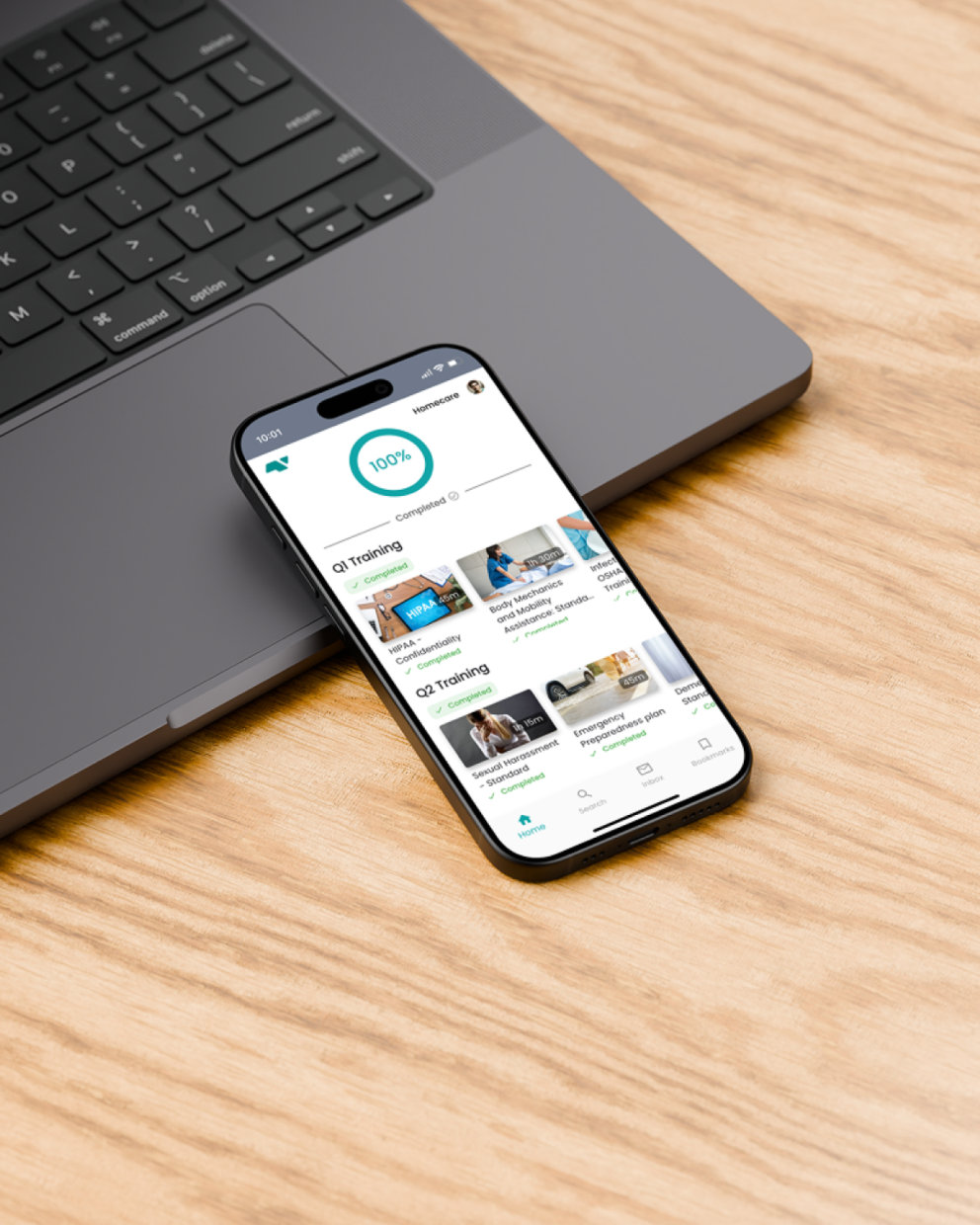
The Compliance Dashboard
The Nevvon dashboard is the first thing administrators and compliance officers see when they log in. It shows completion rates, sign-up status, hours consumed, and active programs at a glance. For multi-location agencies, the dashboard supports per-agency views and a “super user” mode that gives regional or executive leaders visibility across all branches from a single screen.
The Employees page adds another layer of control. Predefined filters like “Completed” and “Not Signed Up” surface common compliance views instantly. Custom filters by discipline, completion rate, program, or form can be saved for reuse. From any filtered view, admins can take bulk actions: send in-app messages, assign forms, or download records for an entire group of caregivers at once.

Reporting That Connects to Your Workflows
Nevvon’s reporting does not live in isolation. Completions, certificates, and training records sync bidirectionally with your AMS through Nevvon’s integration partners. When a caregiver finishes a program, the record and certificate flow to the AMS automatically, so reporting in both systems stays current without manual entry. See the full list of integration partners.
For agencies that need to automate training assignment, shift blocking, and compliance tracking end to end, reporting is one piece of a larger automation layer. See how Nevvon’s automated training workflows connect assignment, completion, and reporting into a single system.


A Dedicated Account Manager at Your Side
Stop compiling training records by hand. Nevvon’s real-time reporting and one-click audit tools give agencies instant compliance visibility across home care, home health, and senior living. See how your agency measures up.